Viral Milestone Posters for Instagram Using 3D AI (Including Free Prompt)
Instagram’s Biggest Trend of the Moment: 3D AI Milestone Posters
Viral Milestone Posters: If you have been spending some time on Instagram lately, you must have seen how a new phenomenon in creator culture has changed the way that milestone posts are made after reaching certain follower goals. No more plain analytics photos and Canva milestone post designs are used by creators once they gain enough following – creators now prefer using one of the most trending visuals in social media – 3D AI milestone posters that are impressive and attractive enough to gain likes and comments.
Earlier, creating a graphic of this caliber required spending a considerable amount of money on hiring an expert graphic designer or dedicating a substantial amount of time to mastering the use of complex graphic designing tools such as Blender, or even getting the skills to manipulate photos using Adobe Photoshop. But now, thanks to improvements in AI technology, one can make a flawless viral graphic in just a few seconds for free.
All that you require is the exact text prompt. The trick lies in understanding how to talk to your AI picture generation software, such as Google Gemini. By being very specific in your request, you can get the most advanced lighting effects and realistic textures along with the trending graphic layout that is ruling the Instagram feed currently.
Design Elements for Maximum Impact Dissection
Viral Milestone Posters
To better understand why this prompt works so well in the professional context, let’s break down the artistic instructions embedded in the prompt structure. . Once you know these components , you can make accurate adjustments according to your Changing.
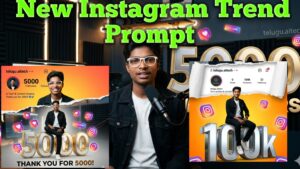
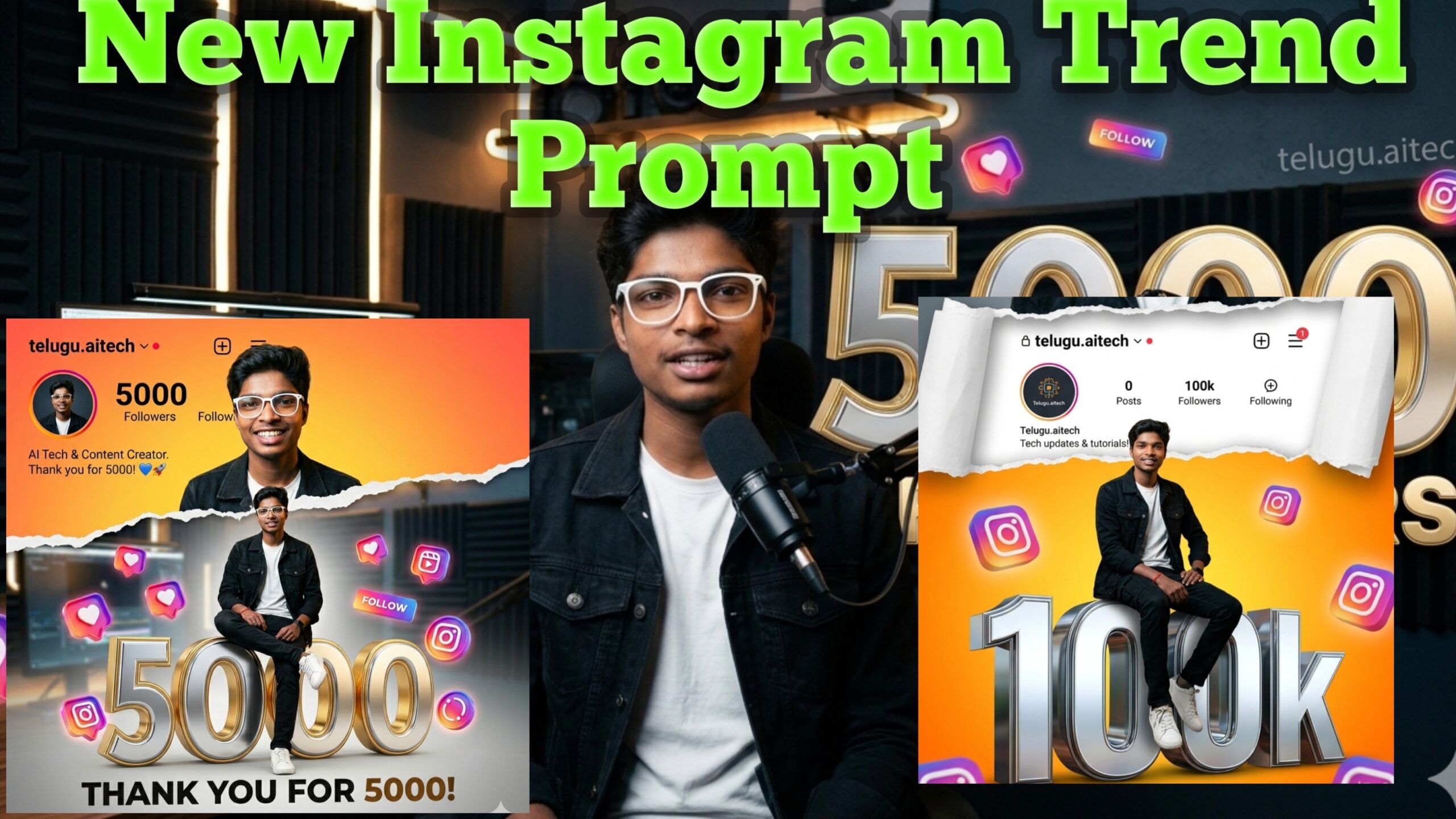
What then makes this particular type of picture go viral all over social media? All this comes down to how unique and visually appealing it is. The latest trend comprises of an amazing combination of design aspects which instantly stops viewers from moving away. Most often, the picture incorporates an amazing and realistic-looking character within the picture using an interesting concept of two poses. This includes a stylish avatar sitting atop some large and three-dimensional text, showing exactly how many followers one has.
Above this, there will be a “torn paper” effect showing another stylish portrait, with a combination of gradients and cool backgrounds. To add to the realism of the picture, the viral pictures incorporate the Instagram interface, including the name and description of the user, with some floating social media buttons. Such level of storytelling through visuals creates an atmosphere of great celebrations for all audiences.
The Dual Position Technique
Standard portraits are a single subject in a static pose which can be flat sometimes. Asking for two different positions adds some cinematic depth to the image, a full-body sitting pose directly interacting with the 3D typography and a half-body portrait above it. It tells a multi-layered visual story that feels alive and dynamic.
The Torn Paper Transition
This particular design term functions as a graceful artistic bridge. The torn paper effect adds texture and organic lines to the canvas as opposed to a harsh geometric split or simple color block. The viewer’s eye is then smoothly transitioned from a bright, high energy orange gradient to a professional, sophisticated matte grey background, ensuring that the final composition is a balance of brightness and clean minimalism.
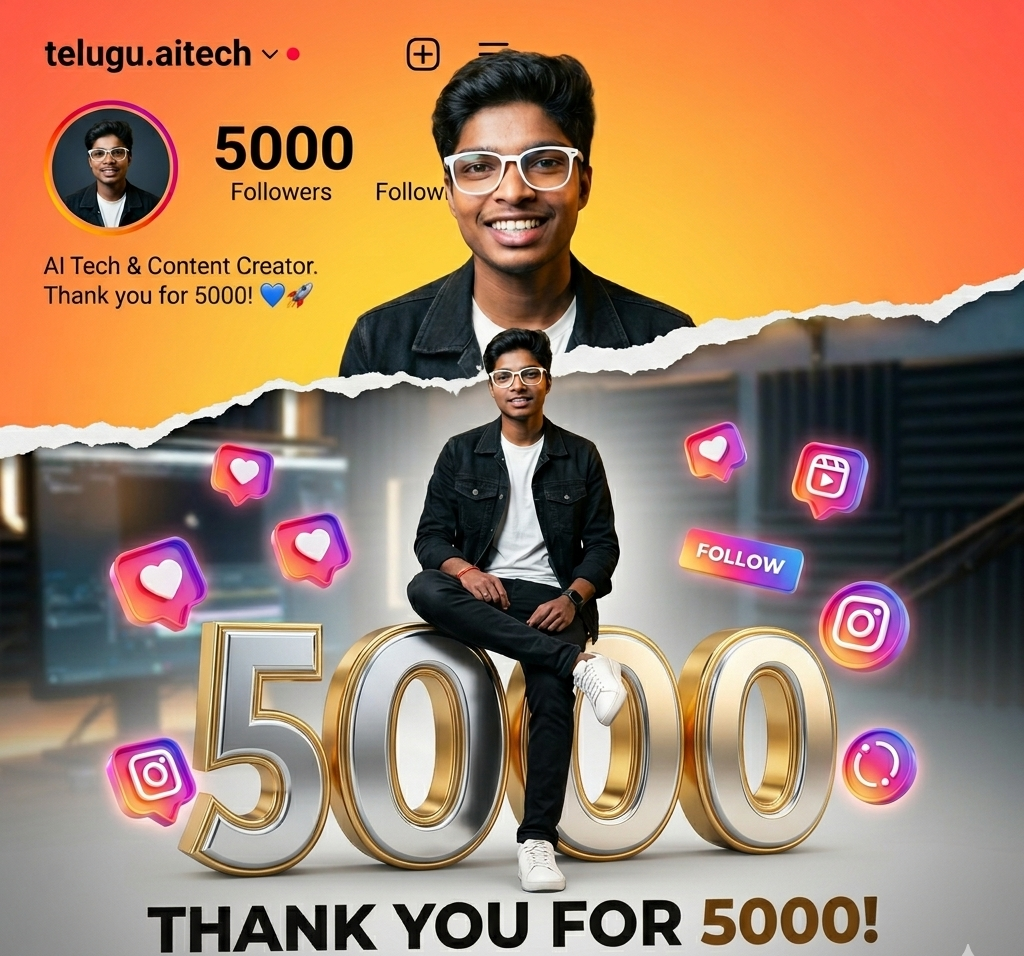
Image Prompt
“INSTAGRAM UNIQUE POSTER PROMPT
Instagram milestone poster celebrating 5000 followers. The main subject (YOUR NAME) is stylishly posing in two different positions – one full-body sitting pose on top of a big 3D metallic “5000” text with floating Instagram icons, and another half-body stylish photo above with torn paper effect transition between orange gradient and grey background. The top section shows an Instagram profile interface with username, @yourusername follower 100k count, bio, and icons.”
Integrated UI elements for profile
A realistic Instagram user interface layout at the top of the poster grounds the entire artwork in reality. Then, immediately provide context for the achievement by stating your specific handle (e.g. @telugu.aitech) and milestone metrics. It turns a standard digital art piece into a branded celebration banner that matters for your community.
A Workflow for Optimizing and Personalizing Your Art, Step by Step
To get the best results from this prompt, and to get perfect final output, follow this structured optimization workflow:
Select the Right Engine
Paste your prompt into an AI model that excels at processing text inside images and handling complex layout hierarchies. Google Gemini is perfect for this. It renders sharp details of the interface and maintains structural balance with ease.
Custom Color Harmonization
The default prompt uses a high energy orange and grey theme, but you can easily swap out these terms to match your existing brand kit. If you have a specific aesthetic for your channel, try replacing “orange gradient” with something like “neon cyan gradient”, “emerald green velvet”, or “deep royal purple”.
Precision upscaling
And now here’s your perfect image. Use a high quality upscaler for the best resolution. The above measure will help ensure that minute features such as the texture of your jacket, metallic reflections in the 3D figures and text contained in the profile interface remain crystal clear even on high-definition mobile screens.
In case you have been thinking of leveraging this viral trend through celebration of yet another success in your social networking site, you are at the right address. In the following, I present to you the actual and carefully guarded prompt used by AI to create such a masterpiece.